 Tuikor Guide Editors
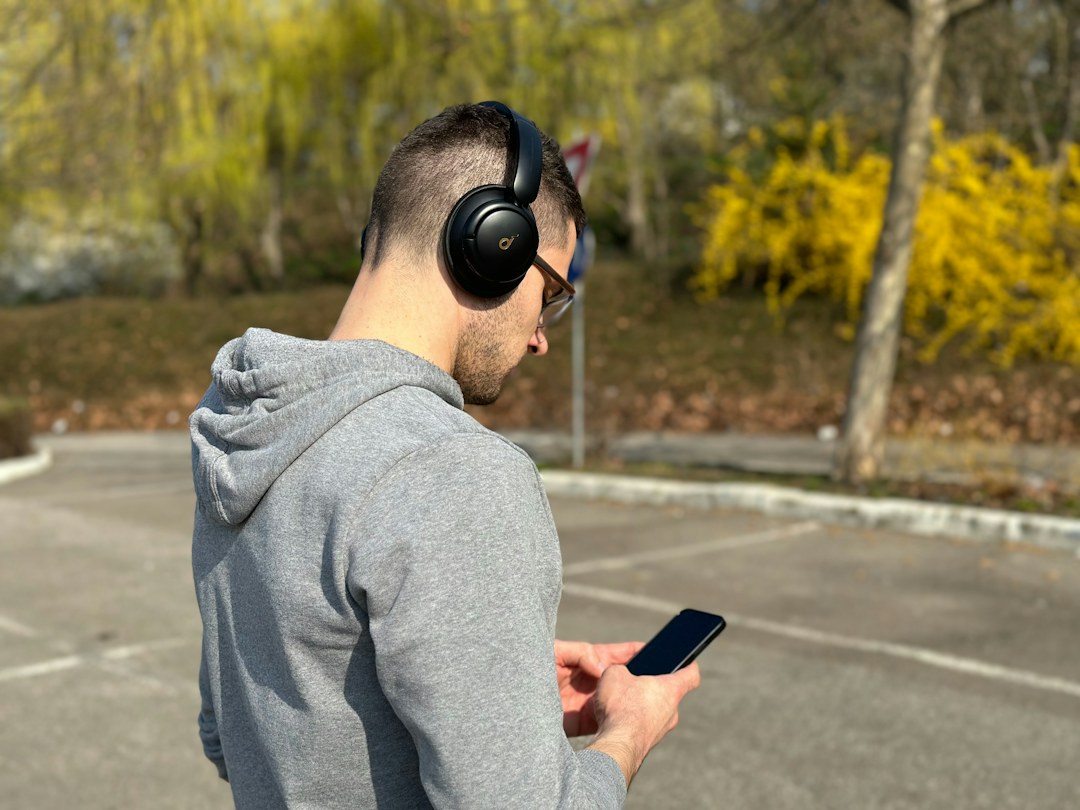
Voice chat can feel like a private conversation even when audio is transmitted to cloud services, transformed into text or retained for support and product improvement. The microphone permission that appears on a phone answers only one question: whether the app may capture audio under the operating system’s rules. It does not describe every processing stage after a voice clip is transmitted. Before using an AI companion for personal discussions, consumers should examine what is stored, where it is processed, how long it persists and whether it can be exported or deleted. This guide turns those questions into a repeatable audit rather than a guess based on a marketing promise.
Map audio capture, transcription and response generation
A voice interaction may involve device audio capture, transport to a speech recognition service, text interpretation by a language model, text-to-speech synthesis and playback. Some systems keep voice recordings, some keep transcripts, some keep derived summaries and some process audio transiently. Product-specific documentation is essential; the existence of a microphone icon cannot tell you which architecture is used.
Write down each form of personal data the service may generate: source audio, recognized words, timestamps, translated text, saved memory notes and generated speech. Ask whether deletion applies to all of them. If a provider documents that audio is retained for troubleshooting, check the retention period and whether opting out of training changes that retention.
Understand the device permission boundary
The W3C Media Capture and Streams specification explains browser-based permission controls for microphone and camera access, including indicators for accessible and live devices. Native iOS and Android applications follow their own operating-system permission systems, so do not assume browser behavior maps exactly to every app. But the underlying distinction matters: permission to capture is not permission to share, republish or retain forever.
Test the app with microphone permission denied, then granted only during an active call where possible. Observe whether it asks again, what functionality disappears and whether it has a meaningful visual indicator while capturing. Review system privacy reports or permission history when available. Remember that a notification banner is an interface signal, not proof of every downstream data use.
Read the provider’s privacy promises with concrete questions
Look for specific language on voice recordings, speech transcripts, model training, third-party processors and retention periods. Apple explains in its App Privacy Details guidance that developers must disclose relevant collected data and third-party partner practices under defined rules. Compare the store listing with the provider’s full policy instead of treating either as a complete technical inventory.
Useful support questions include: Are voice samples saved after transcription? Can I delete transcripts without deleting my account? Does the provider retain conversation embeddings or summaries? Can staff inspect recordings for abuse review? Which settings affect training? Do deleted recordings remain in backups temporarily? A vague answer is a reason to limit what you share, not evidence of misconduct.
Test export and deletion using low-risk sample speech
Create a short test session using an invented phrase rather than personal details. End the session and look for a conversation record, downloadable audio or transcript. If export is available, inspect the file types and whether metadata identifies when the sample was captured. Then delete that single test conversation and check the documented behavior after signing out and back in.
Do not attempt to reverse-engineer someone else’s account or bypass access controls. The consumer goal is to assess controls you are authorized to use. If deleted content still appears, capture the minimum necessary proof and contact support. Be aware that caches, offline copies and separate account-level memory features may be controlled by different interfaces.
Compare voice privacy across devices and contexts
A shared family tablet and a private phone create different risks. Headphones can reduce unintended playback to bystanders but do not automatically reduce what the service provider receives. Background recording permissions, lock-screen notifications and smart speaker integrations may change practical exposure. Try a short session in a controlled setting and ensure it ends fully when the interface says it has stopped.
If the assistant supports speaker identification or personalized voices, check whether enrollment audio is separately stored and whether an account reset clears it. Avoid uploading another person’s voice without permission. People nearby may not have agreed to participate in the conversation, even if the microphone can technically capture them.
Choose an app by the controls you can verify
An understandable privacy policy, granular settings, accessible deletion route and predictable microphone indicators are more useful than a general claim of being “safe.” Create a comparison sheet with explicit answers, missing answers and the date each was checked. Do not assign a numerical privacy score unless the weighting and evidence are transparent.
When deciding how much to share, assume that highly sensitive topics deserve the strongest caution. If you cannot verify the data flow, use text or omit personal details until the vendor provides sufficient information. A companion can be helpful without becoming the default repository for every intimate audio recording a user creates.






