 Tuikor Guide Editors
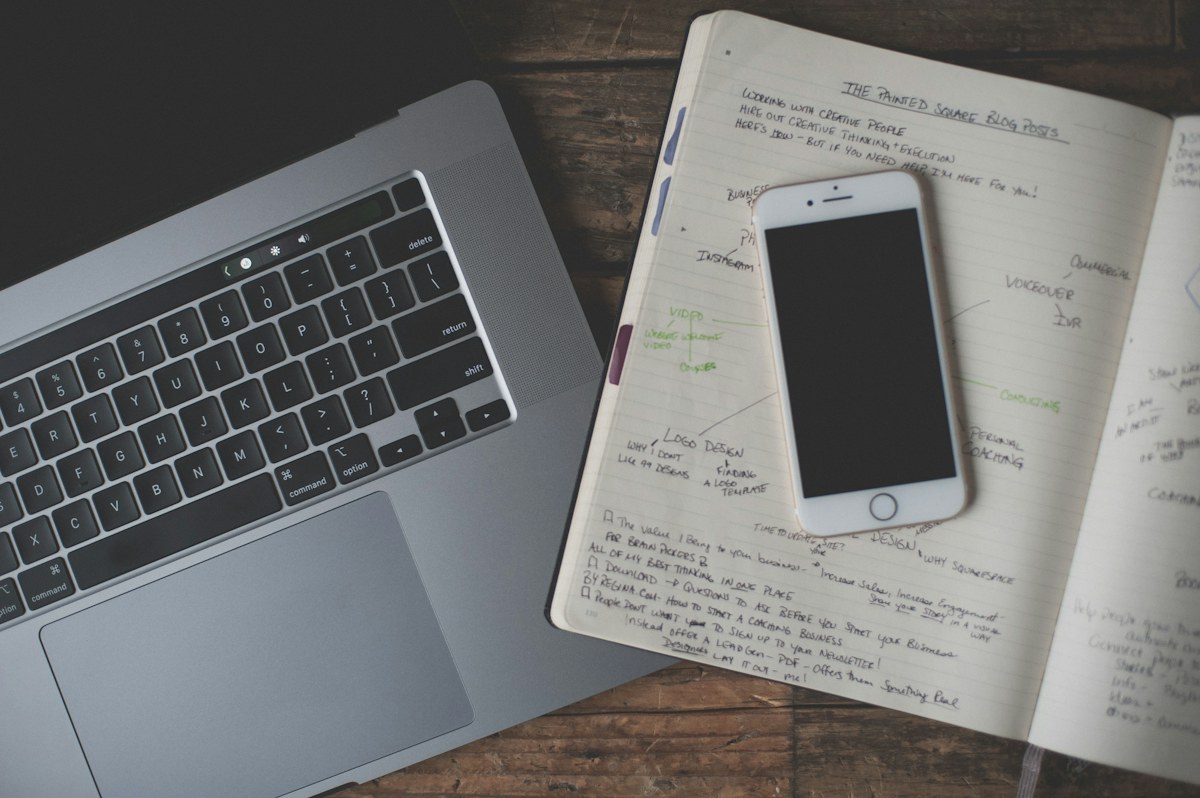
Photos are central to creating and sharing AI digital personas. A single image can communicate a style, a place or a moment, but it may also carry metadata or reveal people and objects the sender did not intend to share. Before publishing a picture through an AI social app, distinguish the visible photo, hidden file information and the audience that can obtain a copy.
Start with ownership and meaningful permission
A person should upload only images they own or have authority to use for creating a digital character. Permission to receive a picture in a private chat is not automatically permission to turn another person’s likeness into a public interactive profile. If someone else appears in the frame, consider their expectations and whether consent is needed for the intended use.
Avoid assuming that changing colors, background or hairstyle removes identity or rights issues. A recognizable face can remain identifiable after substantial creative editing. Where a platform provides creator authorization controls, read the scope and retention rules before activating persistent sharing.
A practical first step is to sort photos into private reference images, public promotional assets and images containing other people. This classification makes later sharing decisions much easier.
Check location and other embedded data
Apple’s personal-safety documentation explains that photo and video files can include location metadata and that recipients may be able to access those details when content is shared. The exact outcome depends on the share mechanism and device settings; a screenshot or export may behave differently from sharing an original file.
On iPhone or iPad, inspect the photo information and location settings before sharing. Review available options to exclude location from an outgoing image. For images prepared on other devices, use an appropriate metadata inspection tool and verify the final exported file instead of merely assuming the app strips all information.
For example, a photo taken inside a home may reveal a precise location even when the visible background appears unremarkable. The safe choice is not necessarily to delete the picture, but to avoid transmitting unnecessary coordinates.
Understand audience and album-level controls
Sending a picture to one person, publishing it on a public profile and placing it in a shared album are different distribution actions. A shared link may be forwarded; a private conversation participant may save a screenshot; a public asset may be indexed outside the original app. Read audience controls and check whether link access can be revoked.
If an app asks for access to all photos, inspect whether the operating system permits selecting only chosen items. Use the least broad access needed. If you switch from ‘selected photos’ to ‘all photos’, review the change later rather than allowing a temporary convenience to become a permanent permission.
Do not interpret a disappearing-message timer as a guarantee that all copies will vanish. Screenshots, exports or downstream recipients may be outside the original deletion mechanism.
Separate generated outputs from source materials
Creating a new image from an authorized photo can produce derivative output that includes details not present in the source. Check faces, background signage, names, private documents and unexpected likenesses before sharing. A visually appealing image can still contain a convincing but fictitious object or setting that confuses viewers.
Keep source photos in a restricted location and public outputs in a separate folder with clear filenames. This reduces the risk that an editor accidentally uploads the raw input instead of a reviewed output. If an app generates several alternatives, select and verify each rather than sharing the entire batch by default.
A creator can use a simple approval field: asset ID, underlying rights confirmation, intended audience and review status. This protects both user privacy and future commercial reuse clarity.
Watch captions and context around the image
Image privacy is not only technical metadata. A caption may disclose a workplace, school, travel dates or a private relationship even when the picture itself is safe. Automated captioning can infer details incorrectly, so do not publish AI-generated descriptions without reviewing the factual claims and personal implications.
If the picture shows a digital twin, explain that it is an AI-generated or AI-mediated representation where that distinction matters to the viewer. Avoid presenting a generated scene as proof the real creator visited an actual location. Clear labeling helps the audience understand what the image does and does not document.
Consider searching the published text for exact addresses, phone numbers and unique identifiers before final approval. An image can expose sensitive details through both pixels and surrounding words.
Know what deletion can and cannot achieve
Deleting a photo from a profile may stop new public access through that profile, but it may not remove copies previously saved by viewers or uploaded elsewhere. Review the app’s export, takedown and account deletion mechanisms. Where a consented creator image is reused across several digital personas, withdrawing access may require more than deleting a single gallery entry.
Record the original image ID and public post URL so a future takedown request can identify affected assets. If someone else claims their likeness was used without permission, do not demand that they publicly repost more identity documents to prove the problem.
A responsible workflow preserves minimal evidence for a report while restricting unnecessary copies. Rights management should be effective without becoming another channel for exposing sensitive material.
Run a pre-share checklist on the exported file
Before posting, open the exact file that will be sent. Confirm it contains the intended picture, that location data is excluded when appropriate, that captions are accurate and that the destination audience is correct. Then publish a low-risk test asset if the app supports preview or private sharing.
Have a separate reviewer check a high-reach creator account’s first public image, especially when source media contains other people. Technical controls and social context both matter: even a perfectly stripped JPEG can reveal a unique address sign in the background.
The objective is not to make photo sharing frightening. It is to let people enjoy visual AI social features while retaining control of their own likeness, sources, destinations and the information that leaves their device.
Sources and original references: Apple Personal Safety, Manage Location Metadata in Photos (updated 2026); Apple Support, Maintaining a Safe App Store Experience (2026). The checklists and examples are independent consumer analysis; refund eligibility and platform functions depend on the provider and region.






