 Tuikor Guide Editors
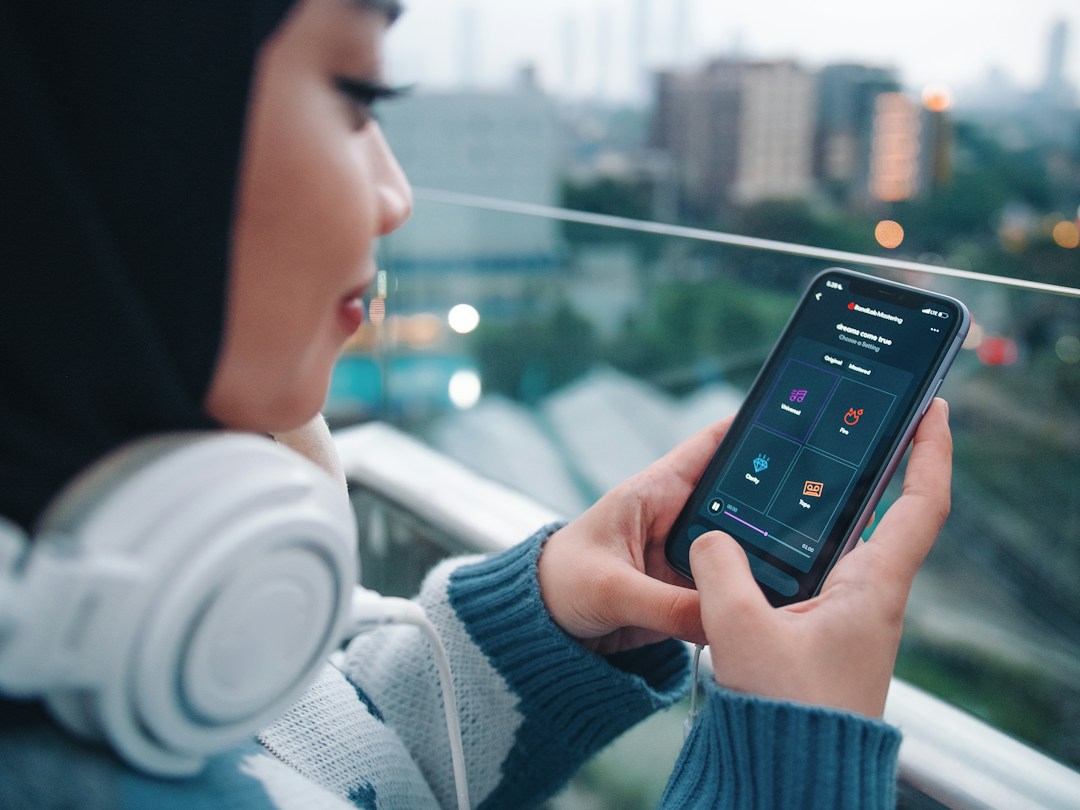
A product trailer may show a remarkably expressive digital face responding to conversation. Yet a promotional video cannot by itself prove that a consumer app delivers the same motion, response speed or interaction controls on a typical phone. Some applications generate video replies after the user sends a message; others provide a continuous live avatar experience; still others show prepared animations during onboarding. These are different interaction models. Before subscribing, users can run a small set of harmless tests to identify what the product actually offers, without assuming that any particular app is misrepresenting its features.
Identify the specific advertised interaction
Look for precise descriptions such as text-to-video reply, generated short clip, live voice conversation or interactive real-time avatar. A character moving its mouth in a demonstration does not automatically establish a continuous live call. Ask whether you control when responses begin, whether the avatar reacts to new unscripted topics and whether it can stop speaking when interrupted.
Keep promotional storytelling and actual functional claims separate. Apple App Review Guidelines include expectations that app metadata and screenshots accurately represent functionality; however, a consumer still needs to compare marketing with the installed version and available plan.
A fair evaluation begins by documenting the version, device, connection and free or paid tier. The same product might expose different features to different platforms.
Choose unpredictable but safe test questions
Avoid using private medical records or personal secrets. Instead, ask the avatar to explain a fictional travel plan, then abruptly change the destination and request a shorter answer. Repeat with a harmless invented character name. Observe whether spoken content and visual expression respond meaningfully to the new request, rather than merely looping a canned promotional animation.
Do not conclude from a single unexpected answer that a product lacks real-time interaction. Network problems, model uncertainty or a limited demo could explain it. Repeat on stable Wi-Fi and use a consistent short test script.
A useful record includes what the user typed, whether the reply addressed the new facts, whether audio remained understandable and whether the interface identified generated content clearly.
Measure latency under realistic conditions
Record the time from completing a question to the first coherent speech and first meaningful avatar frame. Repeat on a reliable network and under typical mobile conditions. Notice whether audio precedes video, whether the lips remain aligned and whether the app offers a fallback to text. Exact latency thresholds should be chosen for the consumer’s own needs, not copied from unverified marketing claims.
The W3C WebRTC 1.0 Recommendation, published March 13, 2025, defines real-time browser media APIs. An app may use a different stack, so WebRTC support is not a universal requirement. It provides useful context for understanding why network and media performance need explicit testing.
A short, repeatable test is more informative than judging a highly edited product showcase. Keep the environment and question length as similar as possible when comparing alternatives.
Check microphone, camera and privacy boundaries
A real-time avatar on screen does not necessarily need access to your own camera. When an app requests camera or microphone permission, read the purpose and decide whether the feature requires it. Check whether a video session records or retains spoken input and whether generated clips appear in a saved media gallery.
A permission prompt is not a complete retention explanation. Review the privacy policy, store label and in-app controls for audio, uploaded photos and conversation memory. Use fictional content in tests so no third-party consent questions arise.
A trustworthy interface distinguishes watching an AI digital person from transmitting your live image. If that distinction is unclear, do not grant unnecessary permissions merely to advance a demonstration.
Inspect interruptions and exit behavior
During a sample session, mute audio, pause interaction and switch to text. Confirm that the microphone indicator stops when the session ends and that the app does not continue silently processing audio. Try a brief network interruption and observe whether reconnection preserves context without generating duplicate purchases or unwanted repeated messages.
A continuous call that cannot be paused is not necessarily more advanced than an asynchronous short-video reply. Each format supports different uses. The better product offers controls appropriate to its capabilities and describes them accurately.
Check subtitles, readable labels and basic screen-reader compatibility where relevant. A vivid avatar experience remains incomplete if important controls are inaccessible.
Compare pricing to the feature actually tested
Record whether the live mode is free, limited by minutes, billed per session or included in a subscription. Some products charge separately for generated selfies, video clips or character customization. Confirm renewal terms and limitations before paying. A free demo may differ from the paid product, so recheck essential behaviors after the purchase while the applicable refund process remains available.
A practical comparison table should separate response relevance, voice clarity, animation quality, latency, privacy controls, reliability and net cost. Avoid reducing everything to a single impression of realism.
For mainstream AI Social Apps, digital personalities, voice, text, generated media and live video can form a rich experience. Consumer trust improves when the product precisely explains what each mode does and what the user can expect under normal operating conditions.






