 Tuikor Guide Editors
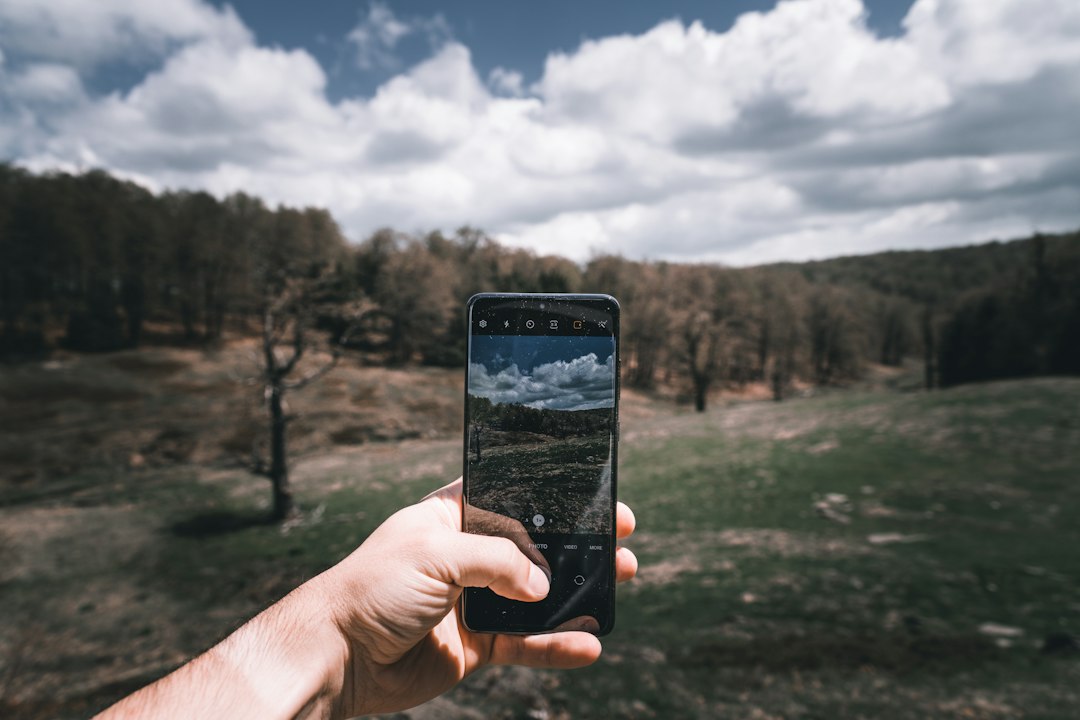
A photograph reveals more than the visible face
Uploading an image to create a digital-human profile is often treated as a visual decision: does the face look clear, is the lighting good and is the crop centered? Yet the image file may contain capture time, camera model and location coordinates. A user can remove GPS coordinates while the photo itself still reveals a neighborhood through signs or landmarks. Other apps may compress or strip metadata automatically, but a consumer should not assume this happens without testing the actual upload workflow. This guide focuses on choosing a safe image before sharing it with an authorized AI avatar service. The objective is not to promise anonymity or to claim any named product collects all metadata. It is to distinguish what the original file contains, what the operating system shares, what the app receives and what the final avatar may reveal.
Check iPhone location information before sharing
Apple’s official Manage location metadata in Photos guide, published in October 2025, describes how to adjust location information and turn location off when using the Photos share sheet. On a compatible iPhone, open a photo’s details to inspect its location and consider removing it before upload. In Photos, you can use the share options to turn off sending the location with the selected photo. That setting applies to the described sharing pathway; do not assume every third-party image picker or file-upload mechanism behaves identically. Apple’s Photos privacy explanation also notes that photo access can include associated metadata, including location. Review Settings, Privacy & Security, Photos to check which apps have access to the library. Recheck after system or app updates.
Understand Google’s estimated and camera-written locations
Google Photos distinguishes places added by the camera, locations added manually and locations inferred by the service. Its official location help warns that hiding or changing an estimated location in the Photos service does not necessarily change the location originally recorded in a downloaded file. That distinction matters if an image is exported and then uploaded as a file to an AI social app. On Android, inspect the original image details and location permission for the camera; use the device’s available editing or metadata-removal workflow where supported. Different manufacturers provide different gallery controls, so a one-line universal menu path would be misleading. An independent EXIF viewer can help inspect a harmless test photo, but review its permissions and avoid sending private pictures to a random online stripping website.
Test the actual upload route with a harmless sample
Create a test picture with no private subject and optionally a known non-sensitive location. Keep an unmodified copy for comparison. Check its metadata locally, then use the same path you would use in the AI avatar app: camera capture, photo picker, Files or share sheet. Observe which permissions are requested and whether the product shows the intended image without accessing unrelated albums. If the service provides a downloadable original or media export, inspect that exported file’s metadata on your own device; otherwise, do not infer what its server stored. A successful upload proves neither deletion of source metadata nor a wider privacy breach. Record the app version, operating-system version and picker route. The careful conclusion is based on what you could actually observe, with unknown server-side practices described as unknown.
Separate GPS risk from face, background and consent risk
A cropped selfie without GPS may still show a school name on clothing, a street sign in the background or a distinctive workplace badge. An AI avatar generated from the image can preserve recognizable visual details even if the result is stylized. Crop away visible identifiers and use a neutral background when privacy matters. If other people appear in the photo, obtain the necessary permission to use and transform their likeness; for a public digital twin, use only material you have rights to provide. Avoid including children or private third-party information in test images. Facial resemblance and consent are separate from EXIF. This is especially important when an avatar can send generated photos or short videos beyond the original conversation. Photo permission controls are a first defense, not a complete identity protection system.
Control future access instead of trusting one-time cleanup
After creating an authorized AI personality, revisit the app’s photo access settings and reduce broad library access if it is no longer needed. On iPhone, limited-photo access can be reviewed through the privacy settings described in Apple’s documentation. On Android, use the app permission controls and supported photo picker where available. The ability to revoke future access is different from requesting deletion of an image already transmitted to a server. Check the service’s actual deletion and retention policy, including whether a generated avatar or its training inputs can be removed and how long backups may persist. If the app advertises a privacy feature, look for a clear description of scope instead of accepting a vague assurance. Maintain proof of any deletion request without sharing sensitive photos in a public support ticket.
Use a five-point decision test before creating the avatar
Before pressing Create, ask five questions. Does the visible photo contain personal or third-party identifiers? Does the original file include precise capture coordinates or other metadata I do not want to share? Which app access mode am I granting? Can I remove the source image and derived avatar later under the service’s stated policy? Finally, where might the generated image be shared and who can see it? If any answer is unknown, use a neutral test photograph first or seek clarification through official help. Record what was verified on the device separately from what the provider states in documentation. A good consumer guide does not claim that stripping EXIF makes a face unrecognizable. It helps people make an informed choice about an AI social interaction based on their own control of source imagery.
Sources
- Apple Personal Safety, Manage photo location metadata, published October 2025
- Apple Photos privacy explanation (checked 2026-11-03)
- Google Photos Help, Photo locations and sharing (checked 2026-11-03)
Cover photograph: Sorin Gheorghita / Unsplash (Unsplash License).






