 Tuikor Guide Editors
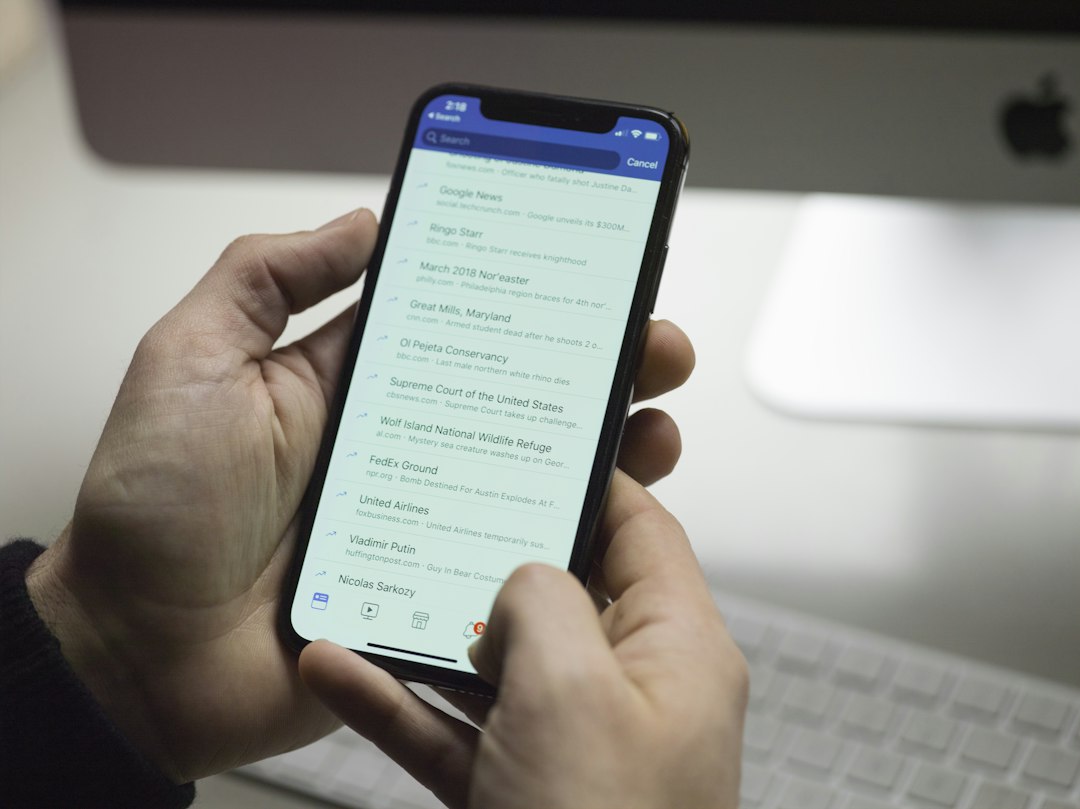
AI social apps make it easy to share a conversation excerpt, generated selfie or digital-human contact card. A share link may be copied beyond its original recipient, previewed by another app or kept in old messages after the sender changes their mind. The exact permissions depend on the product; a public link is not automatically the same thing as a private invitation. Before using a new AI chat sharing feature, test what the recipient can see and whether you retain meaningful control. The checklist below is designed for ordinary users, not as a claim about any one provider’s implementation.
Determine whether the link reveals a public page or a private session
Open the sharing screen and look for a description of what is included: a single message, the entire chat, a profile page or an invitation to start a new conversation. A share link may reveal a static exported snapshot, while a login invitation might permit a different kind of access. Do not infer privacy from the presence of a long or unpredictable URL. Check whether anyone with the link can open it and whether the page requires an account. Try opening a non-sensitive test link in a private browser window without logging in. This experiment does not prove the link cannot be guessed or forwarded, but it does reveal whether the product relies only on possession of the URL for access.
Inspect the preview for names, attachments and third-party details
Before sending a link, examine the preview visible in the sharing app. It may contain a title, profile photograph, snippet of generated dialogue or an image thumbnail. In a group chat, even information that you contributed may refer to other people who did not agree to wider distribution. Replace personal names, email addresses and identifiable details with a neutral example where possible. Remember that a long conversation can contain earlier messages you have forgotten. A link to one AI-generated selfie may also display the creator’s profile or a location hint depending on the product. Review the actual destination page rather than relying on the sender-side summary of what is being shared.
Distinguish a contact card from a conversation transcript
A digital-human contact card might contain a name, short professional description and a button to request contact. A conversation transcript may expose detailed personal history or sensitive content. These should not have identical default sharing permissions. WhatsApp’s official short-link guide shows how a business link can invite a customer to initiate contact; the documentation also notes that publicly visible profile information may appear on a web page. That example illustrates why link destination and profile visibility matter, but it does not define how every AI social app works. Check whether the card allows others to message you, whether it collects leads and who can see those lead details. Never assume the recipient is the only future viewer.
Check destination legitimacy before opening unexpected links
A link claiming to show an AI chat or a shared voice note might instead lead to a fake login page. The FTC’s December 2023 consumer warning on harmful QR-code links describes how unexpected URLs can be used to steal credentials. The same verification habits apply when a surprising chat link appears in a message: examine the domain and avoid entering passwords through an unfamiliar page. If a friend appears to have shared an urgent login link, verify through a trusted channel. Use the official app or manually enter the provider’s known website when account access is needed. Do not forward a suspicious link simply because its preview shows a convincing AI avatar.
Test expiration, permissions and revocation realistically
Some products allow a share link to expire, require authentication or be revoked by the sender; others provide no reliable recall. Read the provider’s actual controls and test them using an innocuous sample conversation. Save the test link, disable sharing if that option exists and check in a separate browser whether the page remains accessible. Even if access is revoked successfully, screenshots and copies already saved by recipients may persist. Therefore avoid sharing content that would cause harm if redistributed. A user interface that says “delete shared link” may mean only removing the local entry, not deleting every copy. Ask support rather than guessing when the feature’s behavior is unclear.
Make a safe sharing habit part of ordinary social use
Choose the minimum content needed for the purpose. For a creator introduction, share a dedicated contact card rather than an entire private chat. For troubleshooting, export only the relevant error message and conceal account details. For AI media collaboration, confirm the right to use any identifiable photograph or voice before generating a public link. A hypothetical scenario might involve sending a conversation excerpt to one colleague, then discovering it is accessible to anyone who receives the URL. The sensible response is to inspect available revocation options, notify affected people when appropriate and avoid further forwarding. These six checks are consumer guidance: they help reduce avoidable exposure, not guarantee that a link can be controlled after it leaves the original app.
Sources
- FTC Consumer Advice, Scammers Hide Harmful Links, December 2023
- WhatsApp Help Center, How to create short links, living guide checked November 8 2026
Cover: Unsplash / Thought Catalog.






