 Tuikor Guide Editors
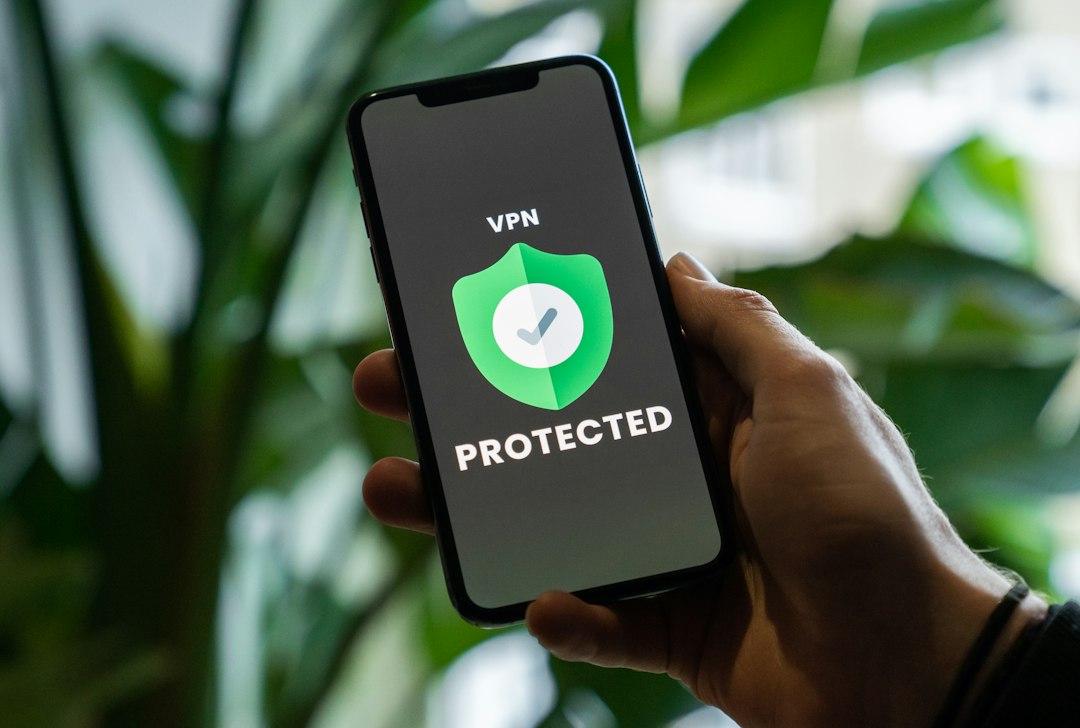
Changing phones can disrupt an AI social account even when the conversations themselves live in the cloud. Passkeys offer a way to improve sign-in security, but iPhone and Android users need to check provider synchronization, cross-device login and recovery separately. This guide covers only services that support passkeys and does not assume a particular AI app offers them.
First verify that the AI app actually supports passkeys
A passkey is not a universal switch built into every phone application. The app or its website must offer passkey creation or sign-in, and the operating system must have a compatible credential provider. Apple’s iPhone support guide says the option appears in the sign-in or account-management flow of a supported service; if the option is absent, the service may not support it. Google’s developer documentation likewise describes Android Credential Manager as an interface for apps that have implemented passkey authentication. Start by opening the AI social app’s official account settings, checking its help documentation and verifying the exact domain before choosing to create a credential. Avoid third-party webpages that promise to “upgrade” a password to a passkey by requesting your password, recovery codes or private key. The consumer question is not whether passkeys are modern; it is whether the particular AI app, your password manager and your recovery method work together.
Understand where the credential is stored
On an iPhone, Apple’s guide explains that compatible passkeys can be stored in the Passwords app and synchronized through iCloud Keychain when the required Apple Account protections are enabled. On many Android devices, Google Password Manager is the default provider; Android 14 and later can allow other supported managers selected in system settings. Storage is not the same as where your AI chat history, avatar photos or paid subscription are held. A passkey confirms account possession to a relying service; it does not automatically restore deleted conversations or migrate the service’s separate long-term memory. In a written checklist, record only the provider name, the service domain, which devices currently work and the available account-recovery route. Do not copy private credential material or post screenshots showing QR login codes. An additional device should be tested before the old one is wiped.
Test iPhone-to-Android and Android-to-iPhone access
Cross-platform sign-in depends on the credential provider and the available authentication methods, not merely on the presence of Face ID or a fingerprint sensor. Google’s passkey environment guide describes cross-device authentication in which a different phone can be used to scan a QR prompt, and FIDO Alliance material explains how a passkey on an existing device can authenticate a sign-in elsewhere. This is useful when switching between iPhone and Android but is not identical to silently copying every credential to a competing platform. Before replacing your phone, sign in on the new device while the old one remains accessible. Check whether a QR workflow is offered, whether Bluetooth or proximity is required by the flow, and whether the website’s domain matches the expected service. Finish by creating a new credential in the preferred provider if the service permits it, then test that future logins do not depend entirely on the old device.
Keep a recovery path independent of one handset
A lost or damaged phone should not lock a paying customer out of all AI conversations. Review the app’s recovery menu before enabling passwordless-only sign-in. Depending on the service, recovery might use a previously enrolled passkey, verified email, identity checks or support intervention; do not assume each option exists. Google’s documentation notes that synchronized passkeys may require a Google Password Manager PIN or Android screen-lock verification on a new environment. Apple’s documentation describes keychain requirements and the possibility of saving a passkey to a compatible external security key. These features reduce some phishing and password reuse risks, but the consumer remains responsible for securing the credential provider account and device unlock mechanism. Write down account recovery contacts or a non-secret recovery checklist in a safe place. Do not store recovery codes inside the same unprotected chat account whose loss you are planning for.
Separate login security from privacy and billing
A successful passkey login is not evidence that the app minimizes personal data. A digital-human service might handle text, voice clips, photographs, live video and remembered preferences under distinct policies. After verifying authentication, inspect the app’s settings for media access, memory controls, conversation export, deletion and active sessions. Also test how a subscription behaves when the sign-in method changes: the merchant account, Apple App Store purchase, Google Play purchase and direct web billing can have different restore processes. Never create a second paid account by accident merely to test a passkey. Use a test profile without sensitive uploads when possible, and do not confuse device biometric unlocking with the service directly receiving your biometric information. Passkey cryptography generally lets the service verify a credential without receiving the device’s fingerprint template; the application’s other collection practices must still be examined separately.
Run a practical six-step migration rehearsal
Use this sequence with a non-sensitive account: confirm official passkey support; note the selected password manager; create a credential and sign out; restore access on the same device; authenticate on a second device while the first remains available; and check the recovery and sign-out screens. Record which step required a password, QR code, PIN, network connection or help request. The result should be a small decision table: “works on both devices,” “works only through cross-device approval,” or “requires an alternate recovery method.” If an app fails, keep the original login method until support clarifies the issue rather than repeatedly deleting credentials. This is a consumer verification procedure, not a claim that all AI apps were benchmarked. The strongest outcome is predictable account access across phone replacement, while preserving privacy settings and previously purchased entitlements. A passkey improves one authentication layer; reliable AI social use still depends on transparent controls for content, memory and billing.
Sources
- Apple Support, Use passkeys to sign in to websites and apps on iPhone (current guide)
- Google for Developers, Passkey support on Android and Chrome
- FIDO Alliance, Passkeys and cross-device authentication
Editorial photograph: Privecstasy / Unsplash.






