 Tuikor Guide Editors
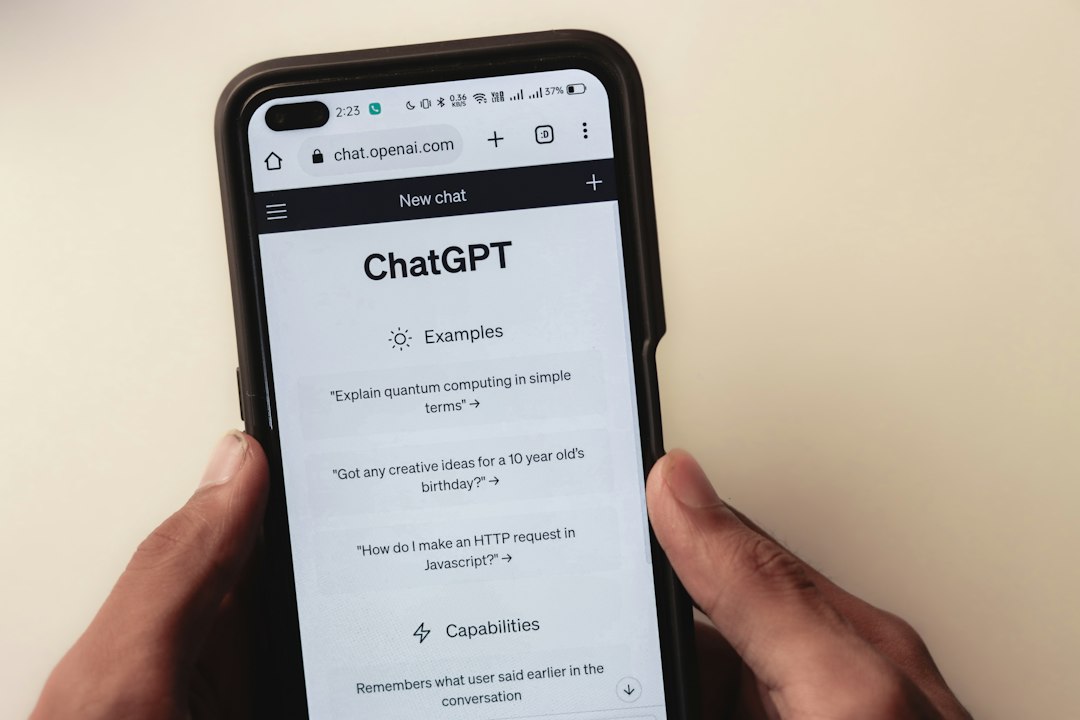
OpenAI’s November 18, 2026 Live Dictation rollout makes speech appear as text while a person talks and removes a former recording-time limit, according to its release notes. This improves a practical interface problem but does not, by itself, explain every storage or privacy setting. Consumers using AI chat or personality apps should distinguish live microphone capture, a draft transcript, a sent message and a long-term memory item. The quickest way to evaluate an app is to test what it displays, what it sends and what the user can reverse.
Read the release notes without assuming storage behavior
The official announcement discusses live transcription visibility and broader availability across supported devices, not a blanket promise that every voice fragment is saved or deleted in a particular way. Apple separately explains operating-system dictation controls. A consumer test must distinguish the phone keyboard’s speech feature from a specific AI app’s recorder. Use harmless example sentences rather than bank details, passwords or other personal data. Note the application version, device and account permissions. If a voice feature is still rolling out, it is reasonable to write ‘not available on this test account’ rather than present imagined steps. Marketing speed claims are not a substitute for an observed permissions test.
Watch provisional words change
Speak a phrase with a correction: ‘I prefer Monday—no, Thursday.’ Check whether the partial text updates and whether the final submitted message reflects the correction. Then cancel recording before sending and inspect the conversation list for any accidental message. A voice interface that prints tentative words is convenient, but those words should not be treated as deliberate, durable instructions without confirmation. If an AI character remembers preferences, check whether an incorrect partial transcript later reappears in conversation. User-facing memory correction is important because a misheard name or date can distort later replies. Report the precise observed result, not assumptions about invisible backend storage.
Check microphone permissions and interruptions
On iPhone and Android, check the system microphone indicator when starting and stopping audio input. Test the app when an earbud disconnects, a call interrupts recording and the phone switches networks. Confirm that the app does not send a draft merely because audio stopped unexpectedly. Look for a clear stop button and permission instructions that match the OS interface. Do not grant unrelated contacts or photo-library access simply to try voice messaging. A consumer should also compare whether speaking on a shared device risks audible replies or notifications that reveal private conversation topics. The most useful result is whether the user understands the app’s state after each interruption.
Separate service history from long-term memory
A conversation message may be saved to show chat history while a different setting controls personalized memories. Deleting a visible message is not necessarily equivalent to deleting exported files, backups or every preference inferred from it. Read the service’s actual controls and privacy policy; do not generalize from OpenAI’s announcement to every AI product. For a transparent test, teach a fictional preference, verify whether it is remembered across a new conversation and attempt to remove it using the documented steps. Record whether the next response still reflects the detail. If the app does not offer such a memory function, mark it absent instead of criticizing a nonexistent feature.
Consider other people in the recording
Voice chat can capture background speakers or household conversations. Do not test a microphone service by secretly recording friends, coworkers or strangers. Use a scripted test in a quiet environment first, then examine background-noise handling without identifying real bystanders. If the app offers voice cloning or creator digital twins, verify that those synthetic voices are properly disclosed and that the creator consented to the use of their voice. A fan’s permission to send a voice message should not imply permission for promotional reuse. These points apply independently of whether the speech recognition is fast or accurate. Privacy is about who can use the result and why.
A simple consumer scorecard
Give the app one point each for readable live text, a reliable cancel flow, visible microphone state, easy transcript correction, understandable memory controls and a documented deletion route. Mark untested items explicitly rather than assigning zeros based on missing documentation. Repeat on Wi-Fi and cellular if a change of network matters to your use. This six-item score is a personal decision aid, not a certified security rating or measured OpenAI performance. The November dictation update is a current reason to compare tools, but the best voice app for you is the one that combines useful recognition with understandable, reversible data handling. For repeatability, use the same ten spoken sentences across tools and keep a private log of mistakes, interruptions and subsequent memory behavior. Never upload real personal conversations to a public benchmark. When publishing a comparison, specify the account level and date so future readers can tell whether changes in rollout or app version explain different results.






