 Tuikor Guide Editors
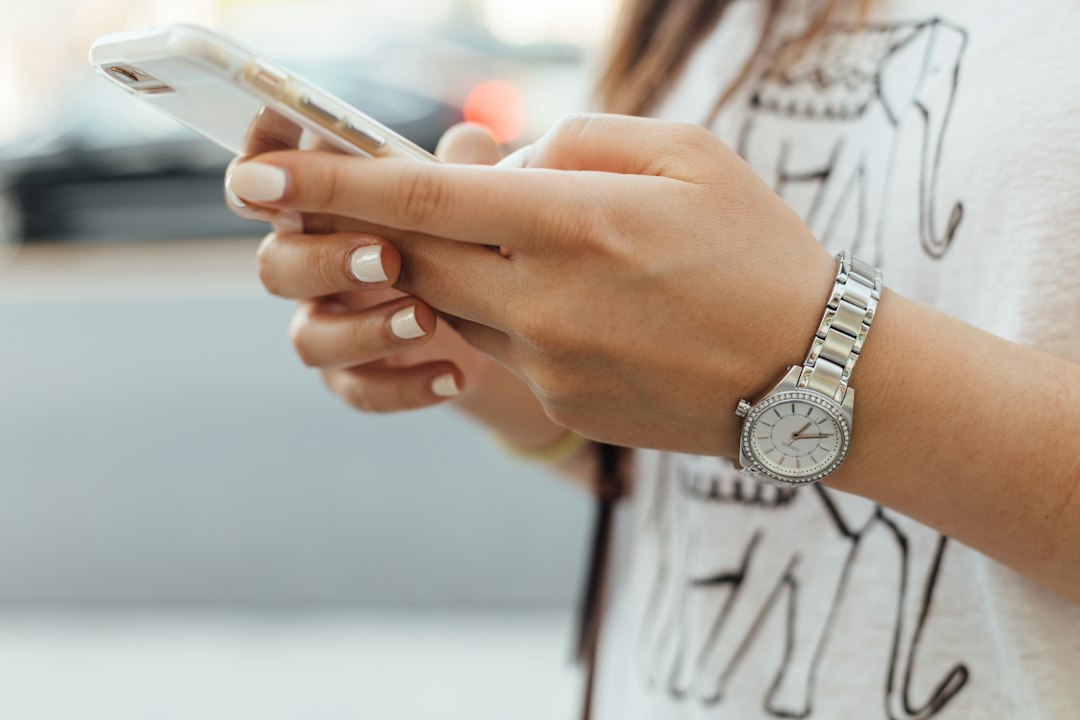
Start with the photo, not the generated face
An AI avatar app may ask for an image to create a personalized selfie, short video, or digital persona. The first meaningful test is not whether its marketing sample looks photorealistic; it is whether the user can choose exactly which authorized photo to upload and understand what happens next. A broad photo-library permission is not equivalent to selecting one picture. Google’s Android Photo Picker documentation describes a system interface that can give an app access to selected photos or videos rather than the entire media library. That design helps consumers distinguish the app’s requested access from the file actually sent for processing. The NIST Generative AI Profile published July 26, 2024, identifies data privacy and information integrity among relevant risks to manage. These sources do not certify a specific avatar service. This guide is a consumer evaluation using your own authorized media, with tests for selection scope, image quality, reuse terms, and deletion transparency. Android Photo Picker.
Use a controlled three-photo test pack
Prepare three photos for testing: a well-lit front-facing portrait, a side-lit image, and a deliberately difficult picture with partial occlusion. Use consenting adult volunteers or your own likeness; never use a stranger’s face, a child’s image, or a copyrighted portrait without appropriate rights. Remove location metadata from the test copies if it is not required. Name the files clearly so you can identify which one was submitted, but avoid embedding personal names in filenames. Keep the originals locally and note the aspect ratio, approximate resolution, and file type. Do not assume higher pixel count automatically produces a better avatar: lighting, focus, compression, and framing can dominate perceived quality. The goal is a controlled comparison, not a promise of biometric accuracy. If an app asks for unrelated documents or permissions, record that request separately. A clear test pack makes it possible to distinguish user input problems from generation errors without uploading an entire personal photo library.
Check how photo permission is requested
On Android, observe whether the app uses the system photo picker or requests broad media access. A system picker can limit sharing to selected items, as described in Google’s developer documentation; exact behavior varies by platform version and integration. On iPhone, check the system access prompt and use available limited-photo access choices when presented. Denying an overly broad permission should not be treated as consent to silent collection through another route. After selecting one test photo, revisit device privacy settings to see what the app can still access. Use the operating system’s permission history where available. A well-designed flow explains whether a photo is processed locally, sent to a server, retained for future requests, or available to other users. Do not infer those facts from the visual design of the picker alone. Consult the service’s current privacy notice and test whether its published deletion option can actually be found.
Evaluate crop, likeness and temporal consistency separately
Generate a test selfie using a fixed instruction for each source photo, then score four visible qualities: face framing, background artifacts, consistency of distinctive non-sensitive features, and whether the image changes unexpectedly across reruns. Avoid labeling the output as a verified identity merely because it resembles the input. If the service creates animated short video, inspect eye alignment, mouth movement, hands, and transitions between frames; a single attractive still does not prove video reliability. Two independent reviewers should note obvious anomalies without guessing the person’s health, age, or ethnicity from appearance. Keep a record of the number of retries required to reach an acceptable image. An honest value comparison includes credits consumed by failed attempts, processing time, and export limitations. If a result looks more flattering but diverges from the source, describe that as a creative transformation, not an objectively more accurate portrait. Respect the user’s choice about whether to save or share each output.
Test the data lifecycle and commercial-use claims
Read what the service says about source-photo retention, generated-image storage, reuse, and training. A download button is not proof of exclusive ownership, and a delete button might remove a visible item without immediately erasing backups or third-party shares. Seek a clear description of what is deleted, expected processing time, and exceptions. If the app offers an AI digital twin, ask whether source materials can be withdrawn and whether existing public links are invalidated. Test deletion using non-sensitive sample content, then check whether a previously shared app-controlled URL still resolves. Do not attempt to access material belonging to other users. Keep personal and commercial rights separate: permission to use your own likeness does not automatically clear music, logos, clothing designs, or other protected content in a generated video. NIST AI 600-1 provides useful categories for discussing privacy and intellectual-property risks, but legal rights depend on the service’s terms and applicable law.
A purchase decision with clear pass and fail criteria
Score the service only after the complete workflow: selective photo submission, intelligible permissions, stable output quality, understandable charges, meaningful deletion controls, and an accessible way to contact support. A practical rule is to reject an app for this purpose if it demands unexplained broad media access, publishes a likeness without an explicit choice, or makes revocation impossible to locate. Treat variability in generated output as a quality issue, and unresolved rights claims as a separate contractual issue. Keep three test results side by side rather than selecting only the best promotional sample. For an ongoing digital-persona product, repeat the consent and export tests after major app updates, since user permissions and generated-media features can change. The purpose is not to declare a universal winner; it is to help consumers choose a mainstream AI social experience that respects their photos, supports creative expression, and describes the limits of generated media without exaggeration.
Sources
- Android Developers: Photo Picker — official developer documentation, checked 1 November 2026.
- NIST AI RMF Generative AI Profile — 26 July 2024.
- FTC Bringing Dark Patterns to Light — September 2022.






