Tuikor Guide Editors
Voice can make an AI companion feel much more present, but a polished demo does not tell you how it behaves in a real back-and-forth conversation. A useful evaluation should test response latency, interruption, pronunciation, emotional consistency and microphone privacy. You can cover the most important points in about ten minutes.
Start with a simple short question
Ask something that needs a one-sentence answer and notice the delay from the end of your speech to the beginning of the AI response. Long silent gaps become tiring quickly in conversation.
Ask for a longer explanation. A twenty- or thirty-second answer reveals whether voice quality stays stable over longer speech. Listen for sudden pitch changes, robotic pauses and inconsistent volume.
Interrupt once
Begin speaking while the AI is mid-sentence. A conversational voice mode should stop quickly and listen rather than finishing the whole response. Afterward, check whether it understands the new input and continues naturally.
Test a hesitation. Start a sentence, pause for a second and continue. The AI should not constantly treat short thinking pauses as the end of your turn. This is one of the clearest tests of turn-taking quality.
Say a difficult name or product term
Use a proper noun you care about. Check both speech recognition and the AI’s pronunciation in its reply. Creator and professional use often depends on names being handled correctly.
Switch language if you need multilingual use. Move from English to Japanese, Chinese or another supported language during the same session. The voice should remain recognizably the same character even if rhythm changes.
Test emotional range
Ask the companion to give one cheerful response and one calm serious response. Listen for emotion without the voice becoming like a different speaker. Identity consistency matters more than maximum expressiveness.
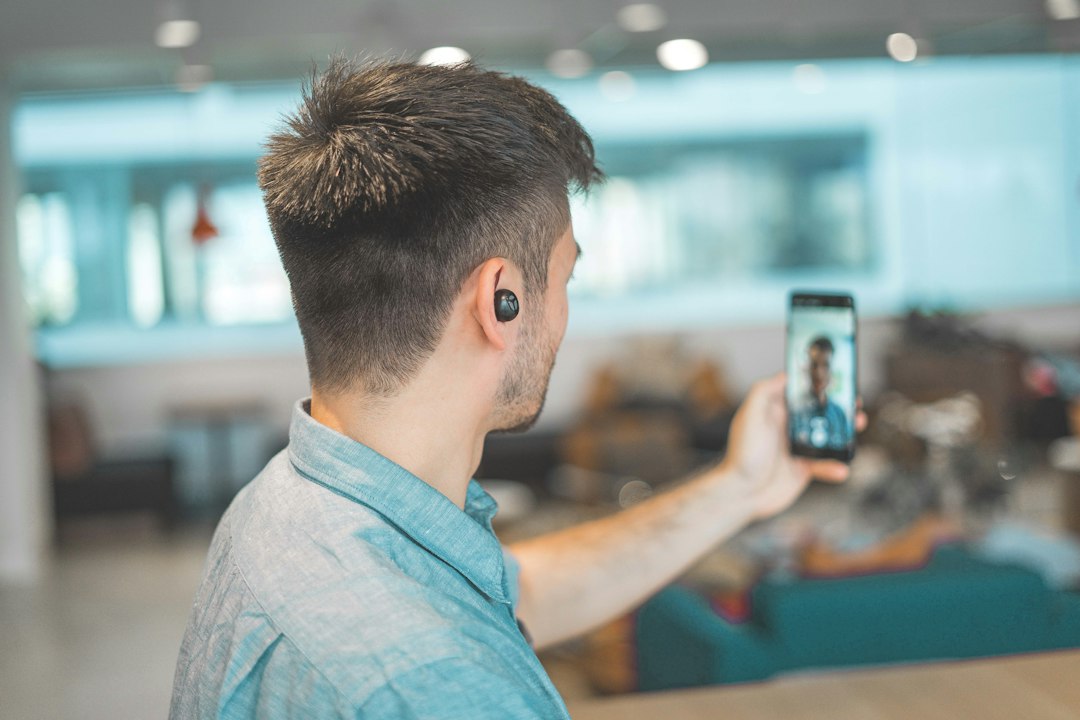
Check the listening state. While you speak, does the avatar or interface show that it is listening? If video is present, small visual cues can make turn-taking easier to understand. The system should not look like it is still speaking while capturing your voice.
Test in mild background noise
Try normal room noise, not an extreme environment. Speech recognition should degrade gracefully rather than producing confident nonsense. For important use, headphones may improve both input and privacy.
Check microphone indicators. End the voice session and confirm the operating-system microphone indicator turns off. The app should not keep capturing audio without a feature that clearly requires background listening. Review permission settings if the indicator remains active unexpectedly.
Look at the transcript
If the app stores a text transcript, check whether it accurately reflects what you said and whether it can be deleted separately from audio. Voice privacy includes both recording and derived text.
Ask what gets stored. Review whether raw audio, transcripts or both are retained, and whether either is used for product improvement. Voice quality is not the only reason to evaluate the feature.
Repeat one question after several minutes
Latency can change after the device heats up or network conditions shift. A second measurement catches performance that degrades during longer sessions. Consistency matters more than one fast first response.
Compare voice with text mode. If text responds instantly but voice is slow, the bottleneck may be speech recognition or synthesis rather than the core model. This helps you understand what part of the experience needs improvement.
Test speaker output options
Switch between phone speaker, headphones or Bluetooth if you use them regularly. Some voice apps behave differently when audio routing changes. Check whether microphone quality and interruption still work correctly after switching devices.
Try one long session. A ten-minute test can reveal basics, but if voice is important to you, continue for twenty or thirty minutes once. Heat, battery drain and network instability may appear later. Long-session stability is part of real voice quality.
Use a simple scorecard
Rate latency, interruption, pronunciation, emotional consistency, multilingual stability and privacy controls as good, acceptable or distracting. Our video AI avatar lip-sync test adds visual evaluation when the companion has an avatar.
Voice quality is a complete interaction loop. A great synthetic voice is not enough. Natural conversation requires reliable listening, quick response, clean interruption handling and understandable privacy controls. The best voice mode feels easy to talk to and easy to stop.