 Tuikor Guide Editors
Voice notes can make an AI social conversation more natural, especially when typing is inconvenient. But a microphone permission, a recorded audio file and the service’s copy of that file are three separate things. A phone can show whether an app is allowed to use the microphone without telling you how long the app’s servers retain a recording. This guide gives iPhone and Android users a practical buying and setup test rather than claiming that every AI personality app uses the same technical architecture.
Check the microphone permission before the first recording
On iPhone, Apple’s official hardware-permission guide explains that apps request permission to use the microphone and that access can be reviewed in Settings, Privacy & Security, Microphone. An orange indicator can appear while the microphone is in use without the camera. Review the list before opening a voice feature, and make sure the app you’re testing is the one you intended to authorize. On Android, permission settings vary by version and manufacturer, so search Settings for Microphone or Permission manager and review the app’s current access. Record the choices you see rather than assuming the permission is always granted or permanently denied. A permission dialog identifies access to hardware, not the full downstream data policy. Do not equate a green or orange system indicator with a promise that no voice data will be uploaded.
Identify whether the feature records, streams or sends a file
A push-to-talk button may capture a short file, while live voice chat may send a sequence of audio chunks. A product can also transcribe a voice note and retain text independently of the original sound. Look for an explicit recording state, a stop button, a waveform or other duration indicator, and an opportunity to review before sending. If the interface automatically submits as soon as you stop speaking, test with a harmless phrase and document that behavior before sharing personal information. Find out whether the transcript is editable and whether correcting text changes what is sent to the AI service. An app that lets you delete a visible chat bubble might still have an independent transcription or analytics record; inspect the policy and help pages before treating UI removal as full deletion. Use test content without names, addresses or confidential workplace details.
Inspect access history instead of relying on intuition
Apple’s App Privacy Report documentation describes a local report for the past seven days of access to sensitive information and sensors, including the microphone, once the report is enabled. This is useful for noticing unexpected sensor access, but it does not reveal the complete content of a network request or prove that every recording has been erased. On Android, use the privacy dashboard or permission history if your device provides it; controls and history windows differ across devices. A simple test is to close the voice session, navigate to the phone’s privacy controls and compare the expected access time with what appears there. If the app continues showing active microphone use after a voice session has ended, stop the session and investigate. Do not jump from a single indicator to an accusation without reproducing the behavior.
Separate local deletion from account-level retention
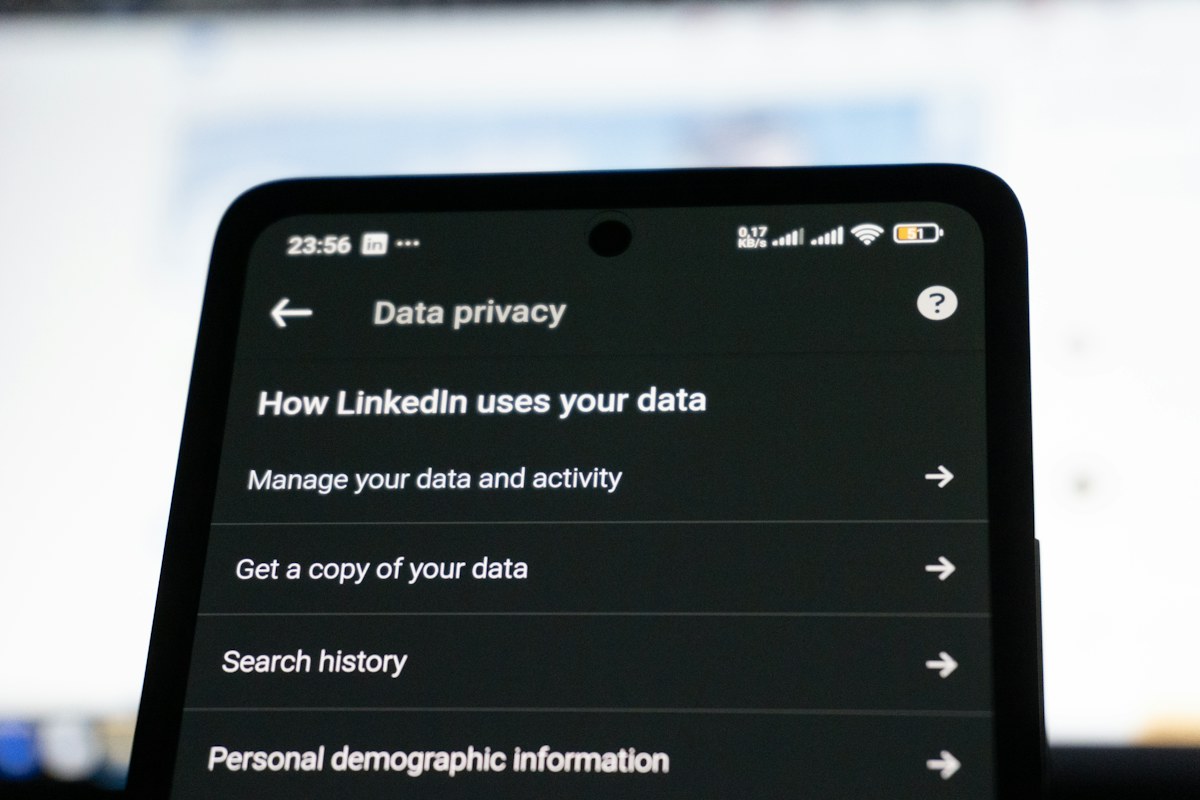
Before paying for a voice feature, check the in-app privacy or data controls for Delete message, Delete conversation, Download my data, Delete account and retention explanations. These buttons represent different actions. Deleting a note locally may remove it only from one screen; deleting a conversation may leave subscription receipts, abuse-prevention records or backups subject to documented retention periods. Ask whether audio files and derived transcripts have separate expiration schedules, whether authorized reviewers can access them and whether deleting the account triggers a request covering both categories. Record the policy’s current date and the exact feature terminology. Do not assume that switching off microphone permission retroactively deletes previously submitted audio. It controls future hardware access, not necessarily historical copies. Users considering a sensitive conversation should prefer a product with understandable controls and a reachable privacy contact.
Test errors and permissions changes with a harmless recording
Create a ten-second test recording containing no sensitive details. Verify that you can stop, preview, cancel and, if available, delete it. Next revoke the microphone permission in operating-system settings, reopen the AI social app and observe whether the UI explains why the feature cannot start. Restore permission if desired and test once more. A good app should fail clearly rather than show an endless spinner or silently switch to a different input mode. Check network interruption behavior: if a send fails, can you tell whether the recording was uploaded or still pending? Repeated taps should not accidentally create multiple visible messages. If you hear the AI read back a transcript you never approved, document the steps and inspect available settings. These are consumer tests, not proof of the app’s internal implementation.
Create a purchase decision based on control, not just voice quality
Voice clarity, latency and personality are important, but privacy settings, accessible controls and support are part of the real subscription value. Compare candidate apps using a small worksheet: permission visibility, recording preview, cancellation, transcript handling, retention language, data export, account deletion and service support. Mark each item as Verified, Unclear or Unavailable. Do not reward a vendor for an untested claim such as complete privacy or permanent deletion. Consider whether a voice feature requires account registration and whether the trial renews automatically; read the actual store terms before confirming payment. If a family member may use the same phone, check app locking or device profile separation so a private conversation is not exposed to someone else. The safest practical habit is to send only what you are comfortable storing under the documented policy.






