 Tuikor Guide Editors
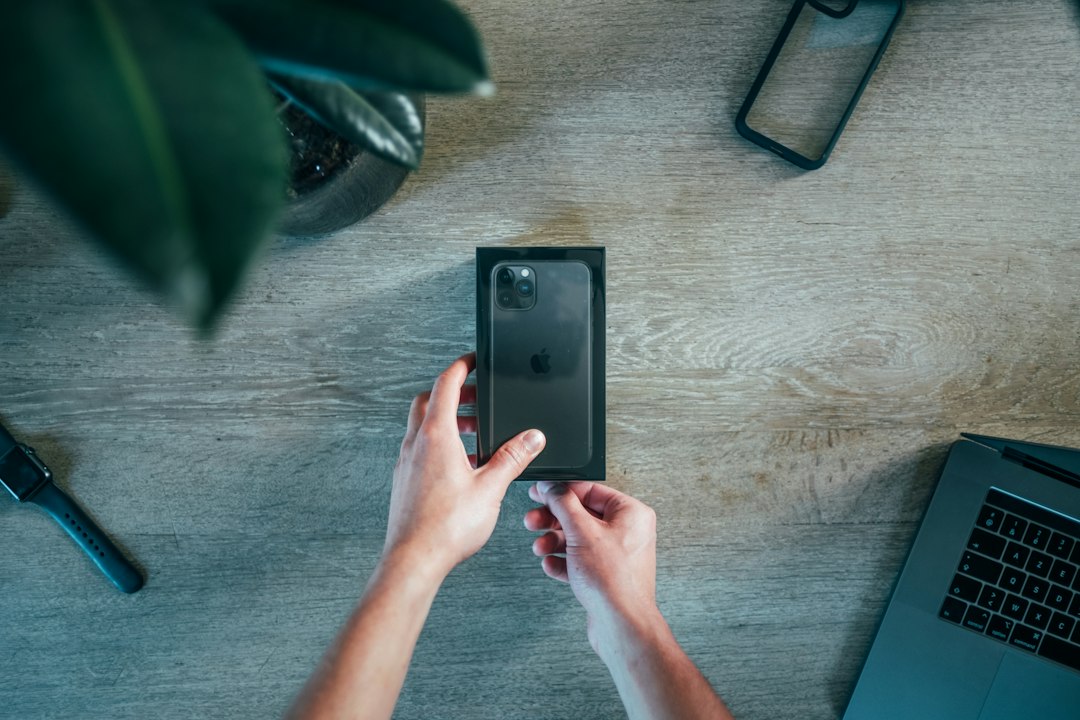
A user on a long commute may enable battery saving and expect an AI voice conversation to work normally. Yet power-management features can change background activity, display behavior and network scheduling. Apple’s Low Power Mode guidance, published on September 21, 2026, explains that it reduces background activity and changes some device functions. Google’s Android battery guidance describes device-specific ways to conserve battery and troubleshoot drain. Neither source guarantees a universal change in AI call latency. A fair comparison must measure the actual app, device and network rather than asserting that a power-saving toggle always improves call duration.
Define what a successful voice call means
An AI voice interaction consists of microphone capture, transmission, recognition, model response, speech output and turn-taking. The battery indicator alone does not show whether each phase remained usable. Decide before testing which results matter: audible response delay, speech interruptions, dropped sessions, unwanted microphone restarts and battery percentage change over a fixed period. If the app offers video too, disable it for the voice-only trial so its graphics workload does not contaminate the measurement.
Use the same set of harmless scripted questions across conditions. Avoid sensitive personal content in recordings, and do not grant extra app permissions merely to collect a battery comparison. Log visible failures without claiming laboratory-grade energy measurements.
Set up a matched iPhone Low Power Mode comparison
Apple explains that Low Power Mode can reduce display brightness, disable Background App Refresh, pause some automatic activities and alter certain visual effects. Test one session with Low Power Mode off and one with it on, keeping device model, app version, speaker volume, display state and network constant. Do not assume that every reduced-background feature affects an actively running voice call. Measure whether the app remains responsive when the screen locks and when it returns to foreground.
Alternate test order, allow similar cooling periods and begin in a comparable battery percentage range. Record the Low Power Mode setting explicitly. On recent iPhone models, menu paths can differ from earlier versions, so consult the device’s current Settings screen.
Account for Android implementation differences
Android battery saving and background restrictions vary by manufacturer, device version and sometimes app-specific permissions. Google’s official battery help is a general troubleshooting reference, not a guarantee that every Android phone has the same controls or timing. A user should inspect the manufacturer’s settings rather than copying an iPhone procedure. Aggressive background limits can affect notification or audio behavior, but the exact result needs testing on the actual phone.
For an Android comparison, record vendor, OS version, battery saver mode, app battery restriction and whether the call is active in foreground or background. Do not disable essential system safeguards or install third-party ‘battery booster’ apps that request unnecessary access.
Measure interruption and reconnection separately
A call that sounds normal for two minutes can still fail when a notification arrives, Bluetooth headphones disconnect or the screen locks. Those transitions matter to people who speak to AI assistants while walking or working. Test a controlled incoming notification, move from foreground to background and return, and disconnect then reconnect an authorized headset. Distinguish a recoverable pause from a dropped call that loses the conversation state or charges for another session.
Record elapsed time to recovery, whether the microphone indicator behaves as expected and whether the assistant repeats a prior response. Do not deliberately bypass phone call or emergency alert behaviors to complete a benchmark.
Interpret battery savings alongside usability costs
Suppose a sample session with savings mode uses fewer displayed battery percentage points but experiences extra call reconnections. That does not automatically make it the better setting: a user might value continuity more than small battery savings. Percentage-based estimates are coarse, depend on battery condition and can vary between runs. Do not turn two short measurements into claims about hours of additional battery life. Report ranges, test duration and any practical trade-offs.
Use a simple paired table: mode, starting battery, ending battery, minutes of conversation, interruptions, response delays and ambient conditions. If results differ dramatically across repeats, state uncertainty rather than choosing only the favorable run.
Choose a safe personal setting and know when to stop
Users should prefer their device’s built-in battery controls, reduce unnecessary display brightness when comfortable, and follow normal charging and temperature guidance. A phone that becomes excessively hot or displays a warning needs rest, not a more aggressive test. If voice sessions repeatedly fail only under battery saving, the user can keep the app in foreground, change the mode or contact support with reproducible evidence. Features may change after OS or app updates.
Retest after a major update with the same scenario, but do not assume saved settings carry across manufacturers. A useful support report shares device and app versions plus symptoms, not passwords, private messages or complete microphone recordings.
Consumer decision. The purpose of battery saving is to extend useful time, not simply to minimize a number in Settings. Compare AI voice quality and call recovery alongside battery change, and choose the configuration that works for your actual device. These tests offer a reproducible consumer method, not a universal battery-life benchmark.
Sources and official guidance
- Apple Support: Use Low Power Mode (published 2026-09-21)
- Android Help: Get the most life from your Android device’s battery
Unsplash illustrative photo. Experiences vary by device, OS and app; no sponsored product claim is made.






