 Tuikor Guide Editors
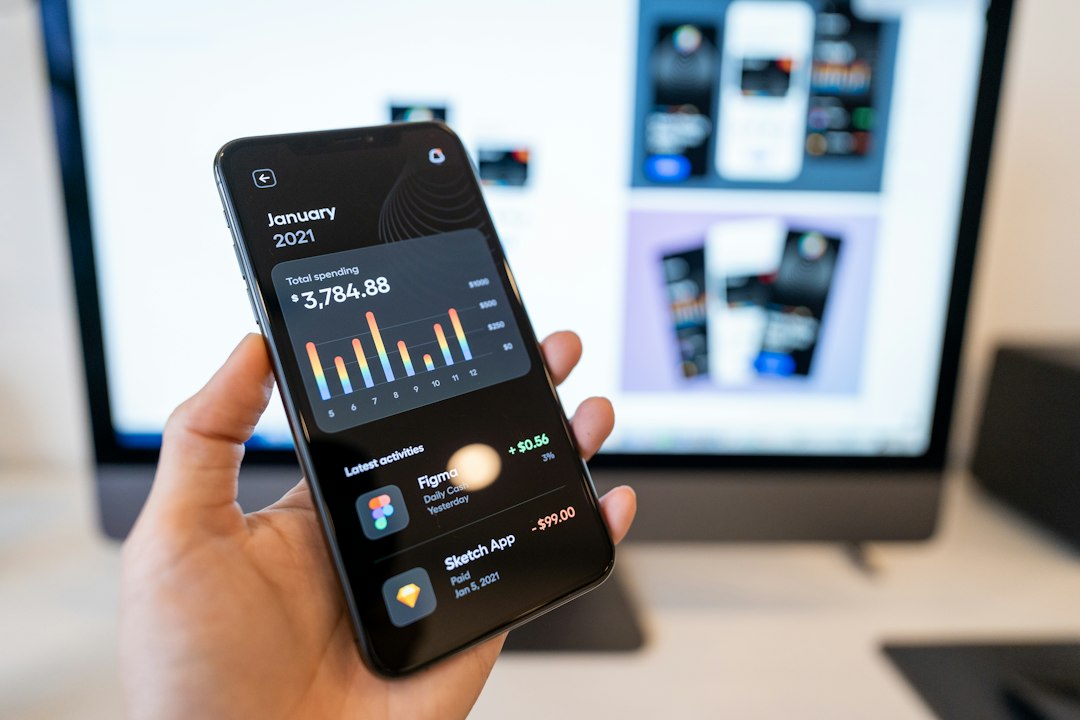
Imitation app listings can make it difficult to distinguish an authentic AI companion from a misleading download or subscription offer. Use this guide to verify who publishes the app, how it requests personal data and what you will actually be billed.
Start with the listing, not the advertisement
An AI companion ad can imitate a legitimate app’s name, screenshots or voice-demo visuals closely enough to confuse a hurried buyer. The safest first step is to navigate to an official app-store listing through a known developer website or a trusted publisher reference, rather than tapping an unfamiliar ad or installation banner. Compare the developer or publisher name, app icon, description, website, stated support contact and update history. A similar-looking icon or a high placement in search results does not prove authenticity. Note that legitimate apps sometimes change their legal developer name or publisher during corporate restructuring, so a mismatch is a reason to investigate rather than automatic proof of fraud. For an AI companion, the risk extends beyond a wasted subscription: users may upload personal photos, voice samples and long conversation histories. A misleading app with a familiar brand could therefore collect information people would not otherwise share. This consumer checklist focuses on verification signals that can be checked without advanced technical knowledge.
Compare identity across more than one source
Open the store listing and examine its linked privacy policy and support pages. Do those pages identify the same service and publisher as the listing? Is the support contact plausible and consistent with the official site? Search for an announcement from the developer confirming the app’s actual name or store presence. Beware domains that copy a logo while using a strange spelling, extra hyphens or a misleading subdomain. A fake help page can seem convincing, so do not rely on one link alone. If the product’s website links to a different app developer than the ad, investigate the reason before signing in or paying. Also check whether the promised feature is supported on your device and country. A promotional image showing high-quality video interaction does not establish that the installed app provides live video calls. User reviews can provide useful clues about unexpected charges and broken features, but reviews are not definitive evidence of identity or security; prioritize verifiable publisher information.
Use platform protections without treating them as guarantees
Apple describes App Store review, reporting and protections for customers in its official safe App Store experience guidance. Google explains that Google Play Protect checks apps and can warn about potentially harmful software. These controls are valuable, yet no screening process guarantees that every description is accurate or every business practice is trustworthy. On Android, avoid installing a package from a random social-media download link just because the name looks right. On iPhone, verify that a payment prompt comes from the platform’s purchase flow when you intend to buy through the App Store. Look carefully at what the app requests on first launch. An AI text companion generally does not need unrestricted photo access simply to answer a typed question; live voice and video features may require a microphone or camera, but those permissions should be understandable and reversible. Treat unusual demands for contacts or device administration as a reason to pause.
Separate privacy consent from an app’s feature claims
Before uploading a face photo or voice sample, read how the service says it stores, uses and deletes inputs. Does the policy distinguish personalization, public sharing, model training and account deletion? Can you decide when to grant camera access, or is it demanded before you can inspect basic settings? The presence of a privacy policy is not proof that every promise is true, but a missing or inconsistent policy is a clear warning signal. Do not test a suspicious app with somebody else’s private photos or recordings. If you want to evaluate the product first, use non-sensitive sample text and avoid connecting your main social accounts. Watch for fake urgency such as “verify your identity now or lose access” appearing outside normal app onboarding. User profiles in an AI companion can become intimate over time; account safety is therefore about protecting not only credentials but also memories, messages and personalized character configurations.
Check trials, renewals and external payment links
A low introductory price can distract from an expensive renewal, a credit-based usage model or a separate in-app currency. Before purchasing, write down the trial end date, renewal price, billing interval and what happens to unused credits. Compare the displayed offer with the platform’s official subscription-management screen after checkout. Be cautious if a supposed app support agent directs you to an unrelated payment portal or requests card details through chat. A real subscription may be sold outside a major app store in some markets, so an external payment route is not automatically fraudulent; it does require independent confirmation of the merchant and refund terms. Take screenshots of key terms before paying, without storing full card numbers or security codes. An app that charges repeatedly for the same promised feature may be a poor purchase even when it is not an impersonation. Verification should therefore cover publisher identity, product behavior and billing transparency as separate checks.
A 15-minute verification test and a recovery plan
Begin with five minutes comparing the developer identity, official site and store listing. Spend another five reading the permission prompts and privacy controls, then five testing one basic feature and examining subscription terms. Keep any test conversation free of sensitive data. If something seems wrong after installation, first stop sharing personal information and revoke permissions in device settings. Use the official store’s reporting or purchase-dispute channels where appropriate, change reused passwords through the genuine service website, and monitor unfamiliar charges. If you connected a third-party identity provider, review and revoke the app’s access from that provider’s account dashboard. Avoid following recovery links sent by unknown accounts claiming to be support staff. The aim is not to make consumers distrust every new AI companion; it is to move the burden of trust from polished advertising to evidence that an ordinary person can verify before granting access to personal conversations, photos and money.
Sources and official safety references
Apple Support, Maintaining a safe App Store experience (official guidance; accessed October 24, 2026); Google Play Help, Use Google Play Protect to help keep your apps safe and your data private (official guidance; accessed October 24, 2026).
Cover photo: Tran Mau Tri Tam / Unsplash.






