 Tuikor Guide Editors
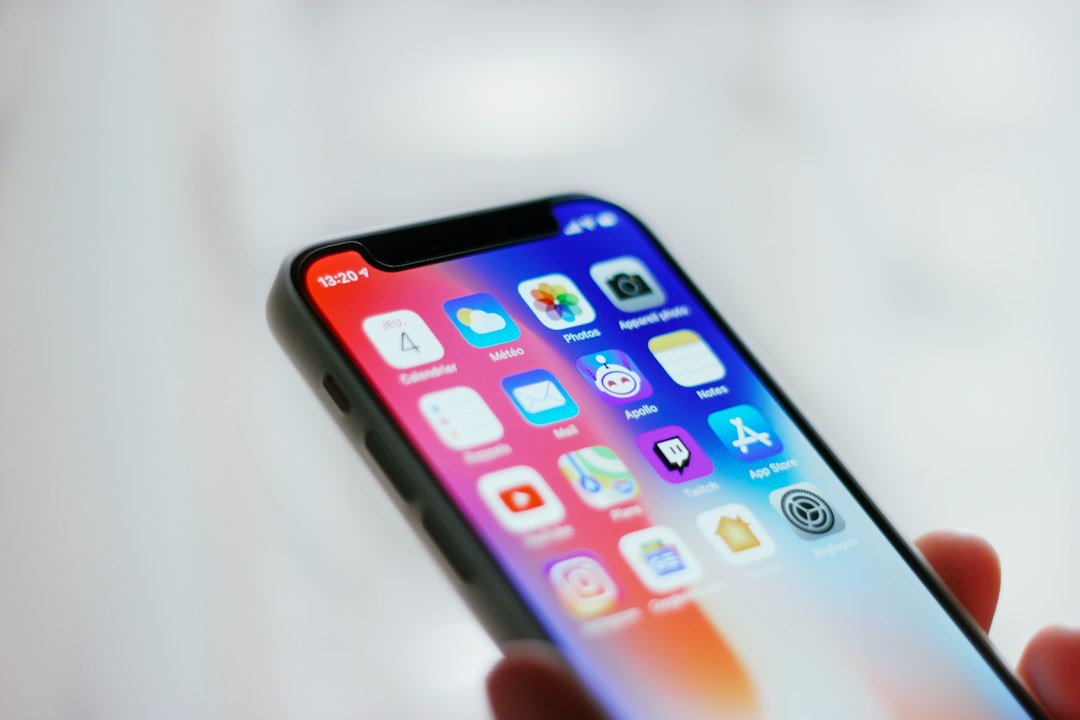
Consumer AI avatar guides rarely test whether an animated character can be used with reduced motion. This buyer-facing protocol compares official mobile accessibility controls with actual in-app behavior, without claiming untested results for specific products.
Why an animated AI avatar needs a motion check
A digital-human app may show a speaking face, camera movement, animated stickers and transition effects during the same conversation. Some people experience dizziness, nausea or difficulty focusing when visual movement is constant, while others simply prefer a quieter interface. A purchase decision based only on a short advertising video will not reveal whether the actual app respects operating-system accessibility preferences. For a fair consumer comparison, separate three sources of movement: the avatar’s facial animation, the interface’s decorative transitions and user-controlled video playback. They may have different controls. A product might honor reduced-motion settings in its menus while continuing to autoplay an expressive AI character. That does not necessarily make the product unusable, but it changes what a buyer should test before subscribing. The goal of this checklist is to identify a usable mode, not to claim any particular brand has a medical effect.
Start with official iPhone and Android settings
Apple’s Reduce screen motion guidance, published in February 2024, directs users to Settings, Accessibility, Motion and Reduce Motion. Apple describes changes to certain transitions and parallax effects, while warning through its examples that behavior depends on the specific interface. Google’s Android accessibility instructions describe a Remove animations setting under Accessibility and Color and motion on supported devices; naming and placement may vary by manufacturer or Android version. Enable the appropriate setting, then restart the AI app if necessary and compare the identical task before and after. Do not assume a system switch automatically pauses all video, which may be treated as content rather than a decorative animation. Record the phone model, OS version, app version and exact setting path so another person can reproduce your observation. A screenshot without those details is weak comparison evidence.
Run a six-action trial before paying
Create or open an ordinary conversation, scroll between two AI characters, open a profile, start an optional voice interaction, preview a digital-human video and return to text chat. Repeat the same actions with reduced-motion preferences on and off, with permission to use the app’s trial mode rather than buying a plan. For each action mark whether the motion stops, slows or stays unchanged. Distinguish automatic motion from movement triggered by the user’s explicit play button. Pay attention to fast zooms, background parallax, looping stickers and jumpy full-screen transitions. If you can turn off an avatar but not the surrounding effects, note that separately. Include a low-bandwidth trial, because video stutter can look like an animation issue but require different troubleshooting. Compare the number of taps needed to reach text chat and whether the app preserves that choice when reopened. A useful report is a reproducible task table, not a vague comfort score.
Test practical alternatives when motion remains
If an app has no truly static avatar mode, see whether the same AI persona supports text messaging or voice-only conversation with an unobtrusive transcript. Check whether a video can be manually paused, whether captions remain readable and whether switching modes accidentally restarts autoplay. A pause button located behind an animation is less accessible than a visible control at the top of the player. On a shared device, make sure the preference survives account switching only when appropriate and does not expose another person’s conversations. For an AI social app, a user should be able to pursue meaningful conversation and relationship continuity without being forced to watch intense visual effects. That is a practical usability requirement, not a claim that every AI personality must be identical across all modalities. If a particular feature requires movement, ask whether there is an equivalent nonanimated route to the same core action.
Separate the subscription claim from the actual test
Marketing descriptions such as accessible, smooth and customizable are not substitutes for evidence. Compare the trial experience with the features promised in the pricing screen and any limitations on voice minutes, live avatar video or caption availability. Avoid turning on a paid plan merely to find out whether the interface includes a pause control. Save an anonymized record of the settings and observed behavior, but never post another person’s private conversation or avatar without consent. If a test fails, contact support with the app version and reproducible steps. Ask whether reduced motion is on a published roadmap, whether the app distinguishes animated background from video content and whether a text-only mode is supported. A vendor response may help a purchase decision, but record it as a statement from support, not as a verified implementation. Subscription renewal and cancellation rules remain separate consumer checks.
A buyer’s decision worksheet
Create three columns labeled essential, acceptable alternative and deal breaker. For example, an essential might be readable text chat; an acceptable alternative might be voice-only conversation in place of animated video; a deal breaker might be unavoidable full-screen flashing during every reply. Score the six trial actions in each phone environment, then compare whether the app can meet the essential needs without paid upgrades. Include operating-system documentation as a reference, but report the actual app behavior as your own observation rather than a property of iOS or Android as a whole. If symptoms arise, stop the trial and seek appropriate professional advice rather than pushing through a demonstration. If the product passes, note the configuration that made it comfortable and share constructive feedback with the developer. A good mainstream AI social experience should accommodate different interaction preferences while keeping personal memories and data controls understandable.
Sources
- Apple Support, Reduce screen motion on iPhone and iPad (published February 23, 2024).
- Google Accessibility Help, Change text and display settings (official Android accessibility documentation).
Featured image: Adrien / Unsplash. The proposed test must be performed on each actual app before conclusions are drawn.






