Tuikor Guide Editors
Many digital-human tools can now create an avatar from a small amount of source material. The process may look simple—upload a photo, record a voice sample, choose a personality—but source quality still determines much of the result.
Use a clear reference photo
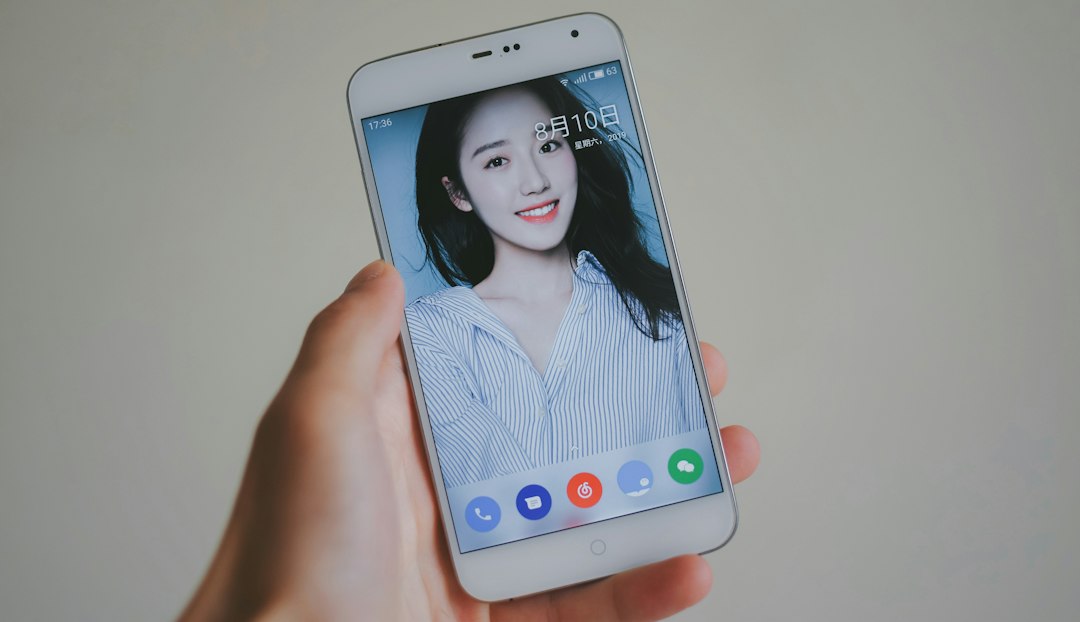
Choose an image with good lighting, visible facial features and minimal obstruction.
A front-facing or slightly angled portrait is usually easier to reproduce consistently than an extreme pose, heavy filter or crowded background.
Avoid conflicting visual references
If you provide multiple photos, make sure they represent the same intended appearance. Large differences in hairstyle, age, makeup or facial editing can make identity consistency harder.
Record voice in a quiet environment
Background music, echo and multiple speakers reduce the usefulness of a voice sample.
Speak naturally at normal volume. Do not exaggerate pronunciation unless that is part of the intended voice style.
Include a range of sounds
A useful sample contains complete sentences and varied phonemes rather than repeating the same short phrase.
If the tool supports multiple languages, check whether the voice remains natural in each language you plan to use.
Define personality separately from appearance
A face and voice do not define behavior. Write a concise personality description covering tone, interests, boundaries, communication style and role.
Avoid creating an enormous prompt full of adjectives. Concrete behavioral rules are easier for the system to follow.
Add knowledge carefully
If the avatar represents a real person, separate verified facts from generated conversation.
Only include information that the person is comfortable having the avatar discuss.
Check permissions before cloning someone else
Do not create or publish a realistic avatar of another real person without appropriate permission.
Voice and likeness can carry legal and privacy rights depending on jurisdiction and use.
Test consistency, not only the best demo
Run multiple conversations, expressions and scenes. Check whether the face, voice and personality remain recognizable.
A single good output is not enough for a long-term avatar.
Test boundaries
Ask the avatar about topics it should avoid. Confirm that it handles unknown facts and prohibited requests correctly.
Keep the original source files
Store the approved photo, voice sample, personality description and knowledge version used to create the avatar.
This makes future updates and rollback easier.
Prepare a short test script
Before generating the avatar, write five situations you will use to test it: a normal greeting, a factual question, an emotional topic, a topic the avatar should avoid, and a voice or video interaction. Reusing the same test script after every update makes quality changes easier to spot.
Check visual identity under variation
Test different expressions, lighting conditions and camera angles. A digital avatar that looks correct only in one neutral pose may not be ready for broader use.
Plan for updates
Real people change hairstyles, knowledge and preferences. Keep identity assets and personality configuration versioned so the avatar can evolve intentionally rather than through uncontrolled drift.
For public use, add disclosure
If the avatar represents a real person and will interact with other users, make clear that it is an AI representation. Official creator avatars should also have a visible authorization signal where possible.
Conclusion
Creating a digital avatar is increasingly simple, but a reliable result still depends on preparation. Clear visual references, clean voice audio, explicit personality rules, verified knowledge and permission checks create a stronger foundation than simply uploading more data.